
Lowes card rant
I need to download transactions for my Lowes credit card. I thought this would be simple, but I forgot: today’s web is crap.
- Go to https://www.lowes.com
- “Lowes Credit Center” (https://www.lowes.com/l/Credit)
- “Pay and manage account” (https://lowes.syf.com/accounts/login/)
- Login takes me to (https://www.synchrony.com/accounts/)
Were would YOU go to download transactions?
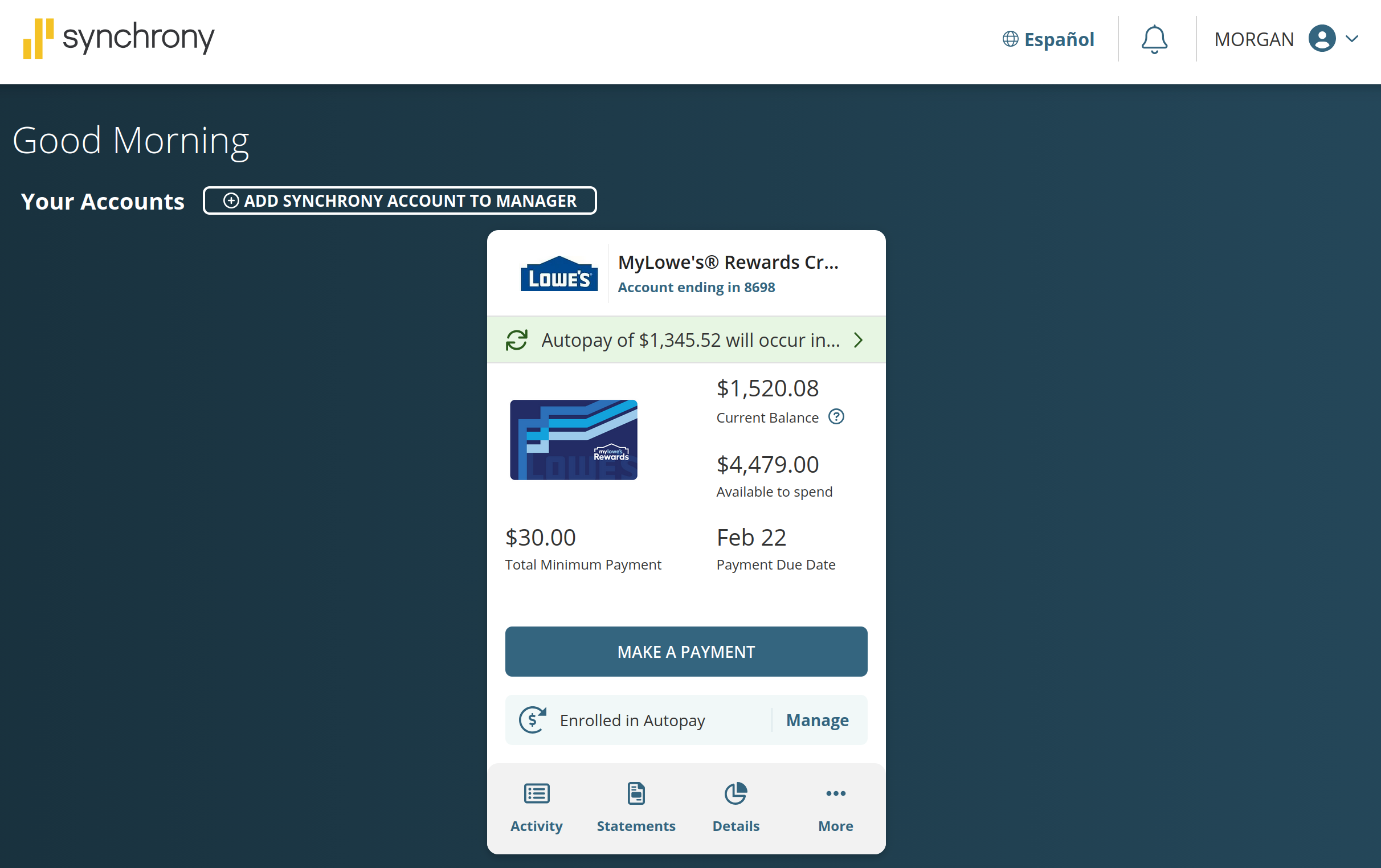
I tried “Activity” then “View All Activity” and “Statements”… no Export link or button to be found.
I tried chat support. The AI told me to “go to Activity and click Export”. I told it there’s no such thing. It sent me to a live chat support agent.
The live chat agent told me to “go to Activity and click Export”. I told them there’s no such thing. They told me to call tech support at 886-869-4798. I thought this WAS tech support?
Tech support was confused just like their AI and live chat people. They tried to make me go away by asking if I’m trying to import into another program and telling me to contact support for that program. “No, I need to download my transactions. I’m not trying to connect my program to your website. Does your website have the ability to export transactions?” Answer: “I need to ask my manager. We don’t get very many questions about export.”
Three layers deep in their “support” system and they have to ask a manager if their website has a feature or not?
While I’m waiting on hold I went looking again… what about this “Account ending in…” link?
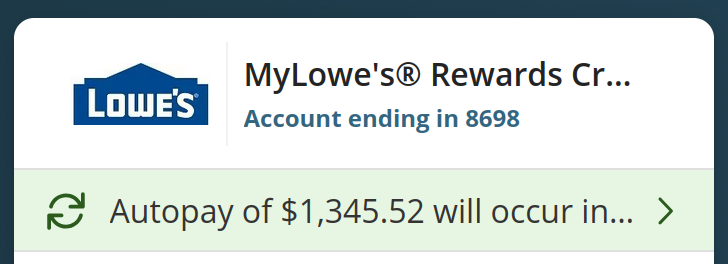
When I click it… holy crap! Completely different website!
https://lowes.syf.com/eService/AccountSummary/initiateAccSummaryAction.action
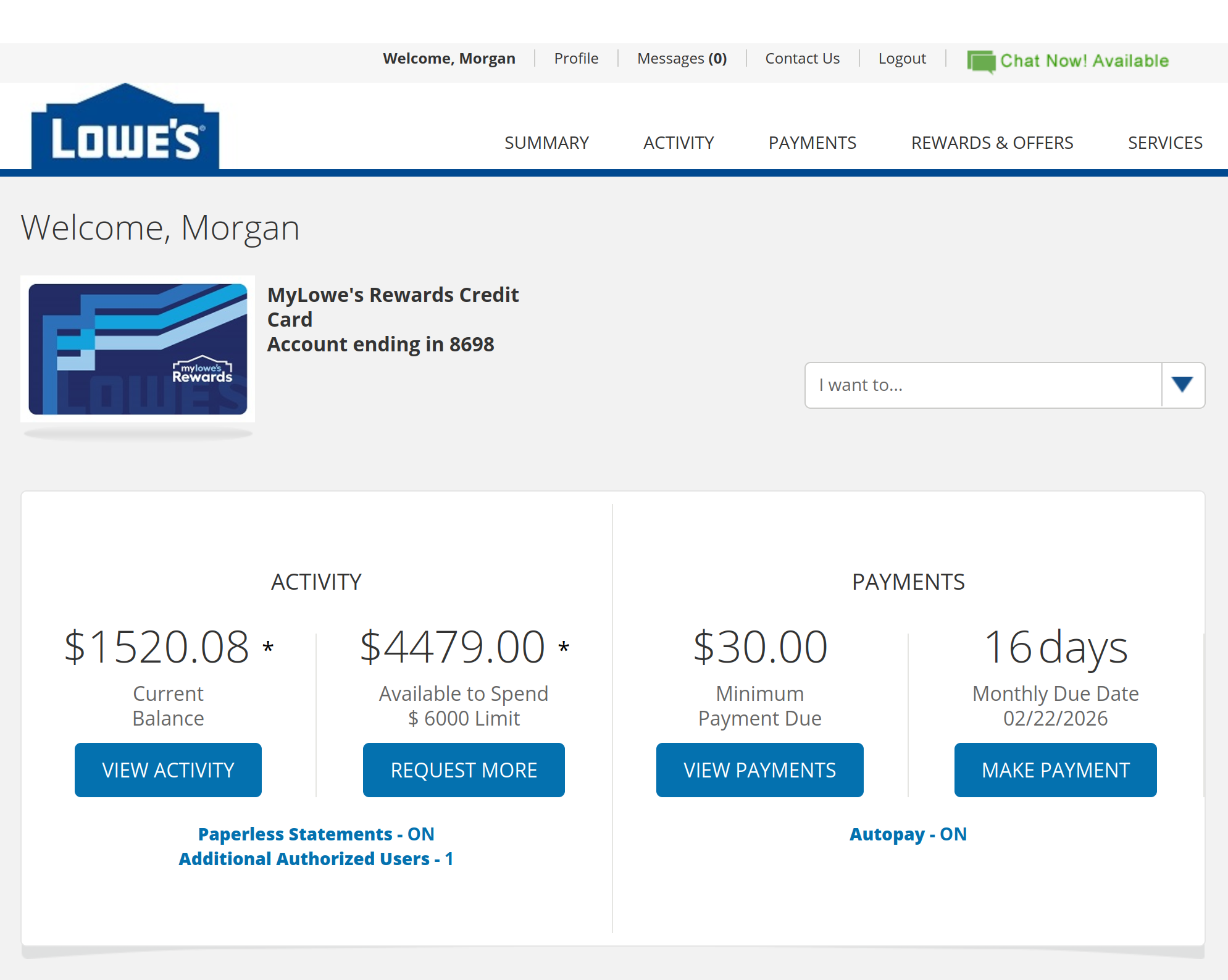
It has all the same functions of the “synchrony.com” website, plus an Export button on Activity and Statements. It even has chat support!
The web sucks. Companies sell things and don’t care if they work. Customer service teams never see the thing they are support to help you with.
No wonder everyone thinks AI can do all our jobs! Easy to replace crap with slop.